

PostgreSQL GUI builder
A Postgres front end for the people who are not DBAs. Browse tables, run queries and build admin panels on your PostgreSQL data, with row-level access.
Trusted by Some of the World’s Best Product Teams





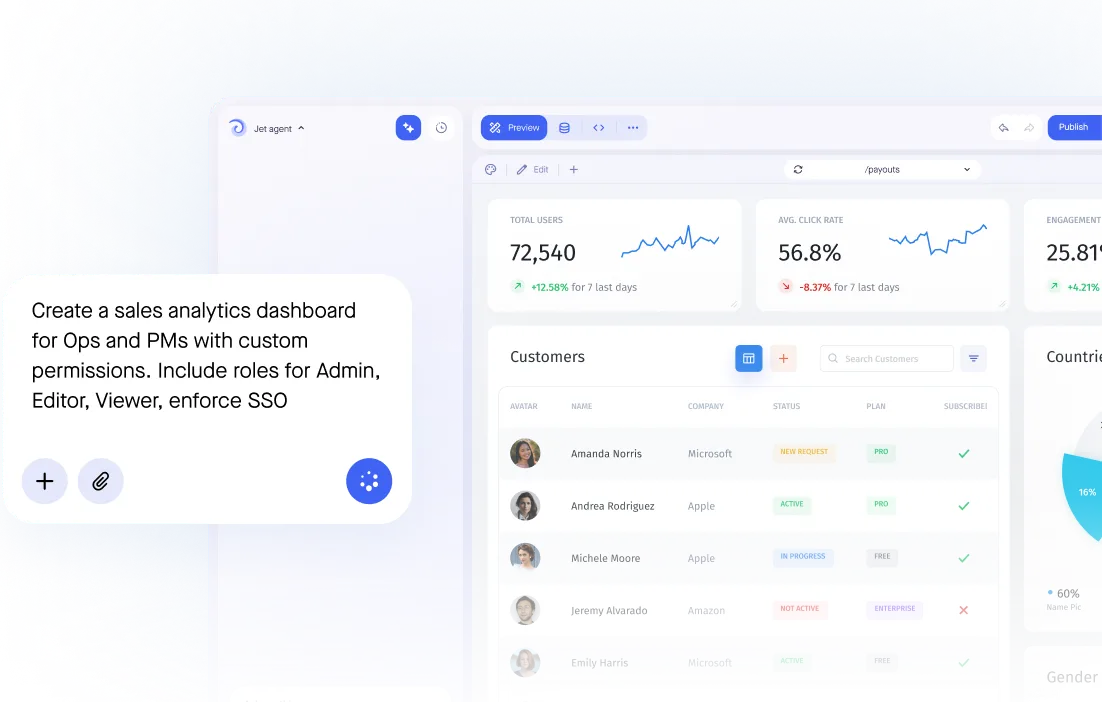
Build exactly what your team needs
psql and pgAdmin are built for whoever administers the database. A Jet PostgreSQL GUI is built for everyone else — operations, support, and the customers you give a portal to.

Build secure app fast



Postgres for the people who are not DBAs
.jpeg)
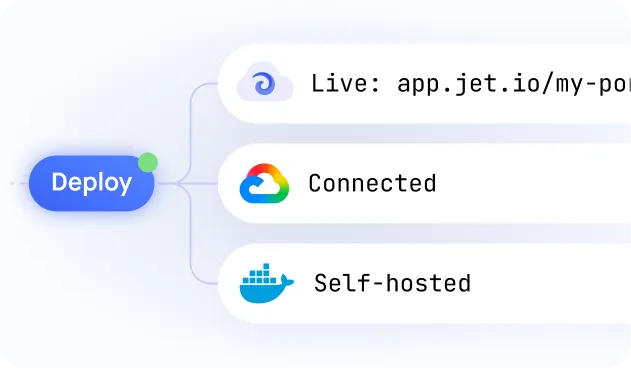
Secure database connection
.jpeg)
SQL or visual queries
.jpeg)
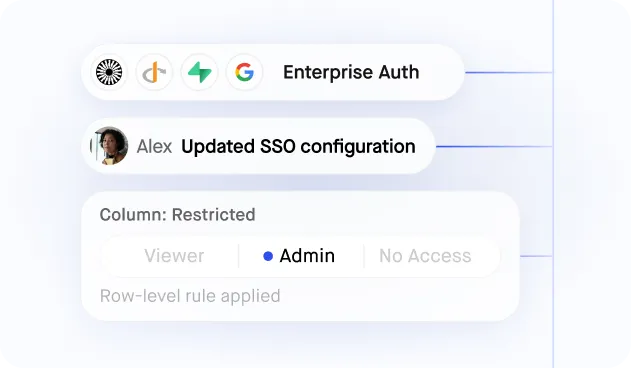
Granular user permissions
.jpeg)
Relationships and joins
.jpeg)
Write-back, no data copy
Similar Use Cases





.png)









.png)




.png)
.svg-min.png)























Frequently asked questions
A PostgreSQL GUI builder turns your database into an interface people can actually use: searchable tables, forms that validate, and permissions per role. Instead of psql or pgAdmin, your team gets a screen they log into, and you decide which rows and columns each person sees.
Postgres ships with psql, a command-line client, and pgAdmin is the usual desktop option. Both are built for people who administer the database. Jet is a GUI for the people who only need to read and change the data.
Yes. Jet reads your schema and generates searchable tables and forms, so browsing, filtering and editing need no query. Raw SQL stays available when you want it.
pgAdmin is a database administration tool: one person, full access, installed locally. Jet is a shared interface: role-based access down to the row, forms that validate, an audit log, and a URL you can give to someone who should never see pgAdmin.
Jet runs in the browser, so it works the same on Windows, Mac and Linux with nothing to install per machine.
Yes. Connect over an SSH tunnel or private networking, restrict Jet to a read-only role if you want to start that way, and self-host inside your own network if the data must not leave it.
Yes. Permissions work at the row and column level, so a person can see their own region or their own customers without a Postgres role, a view or a GRANT statement per teammate.



