Build Admin Panels, Dashboards, and Internal Tools on top of your Firebase data with authentication, permissions, and workflows built in.





Build an admin panel your operations team can actually use, with scoped access on top of the security rules you already wrote.
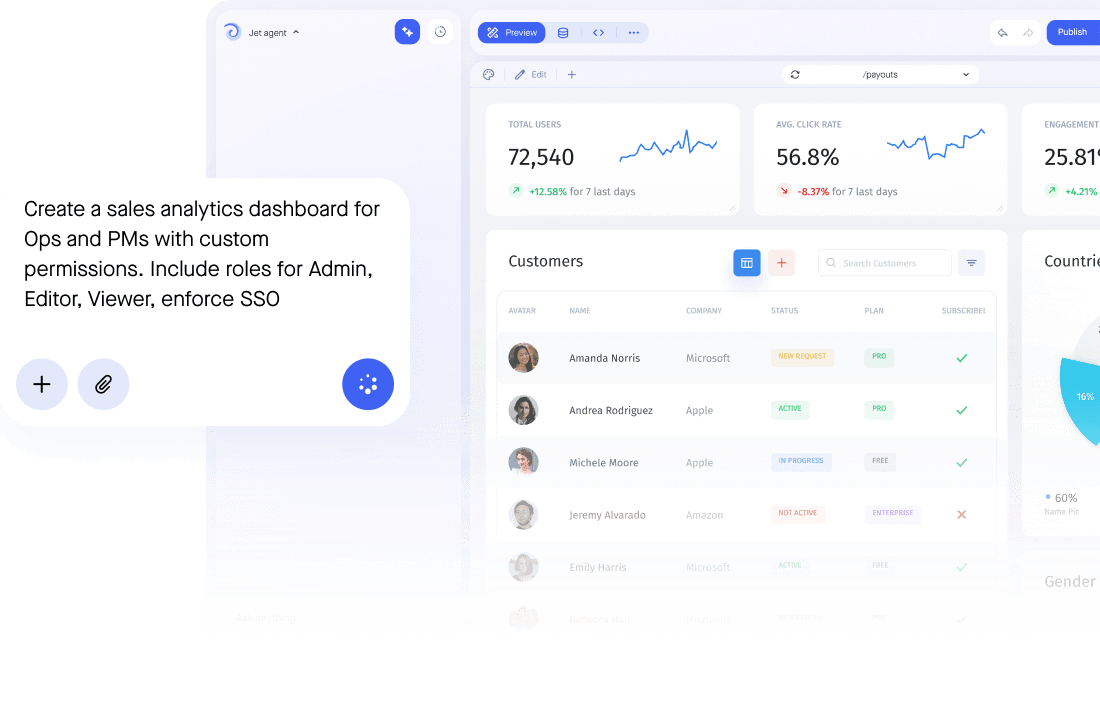




Add Firebase as a resource and authenticate with a service account key. Jet reads your data structure and generates screens automatically. You can scope the service account to specific paths or collections first if you would rather start with a narrower view.
Yes. Jet gives your team a spreadsheet-style editor over your Firebase data, with search, filters and inline editing on nested fields, so people who should never open the Firebase console can still work with the data: support agents, operations, finance and external users, each seeing only what their role allows.
Yes. Writes go straight back to your project. Forms validate types and required fields before the write, roles decide who can change what, approvals can hold the risky updates, and every change is recorded in the audit log with the person who made it, alongside the security rules Firebase already enforces.
No. Jet reads and writes your Realtime Database or Firestore data in place through Firebase's API. There is no export to schedule and no migration to plan, so Firebase stays the single source of truth.
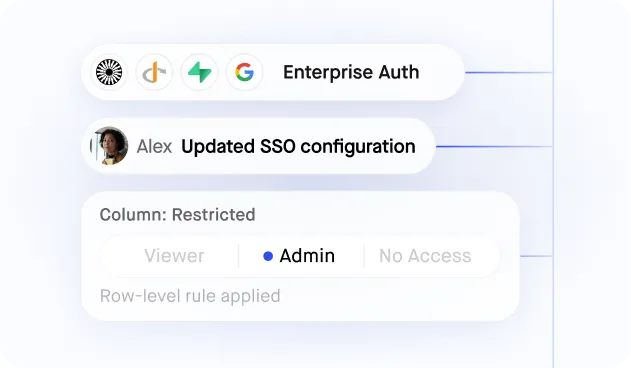
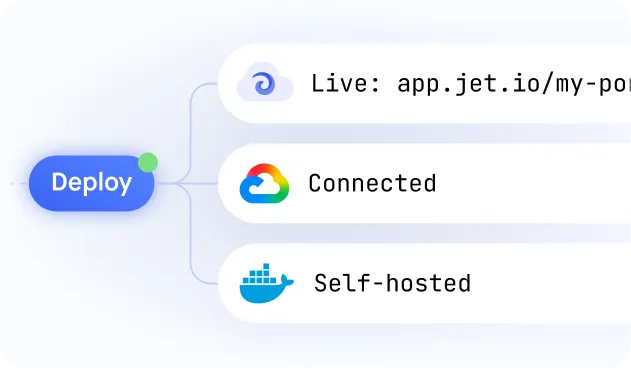
Jet authenticates with a scoped service account rather than a shared login, and access is controlled with SSO plus row and field level permissions on top of the security rules you already wrote. If your data must not leave your network, Jet can run in your own cloud account or fully on-premise.
Yes. Firebase can sit alongside Firestore, a REST API or Stripe in the same app, and a single screen can read from more than one of them at once.