Build Admin Panels, Dashboards, and Internal Tools on top of your CSV data with authentication, permissions, and workflows built in.





Upload the file, get tables, forms and filters immediately, then connect a real database when you outgrow it.
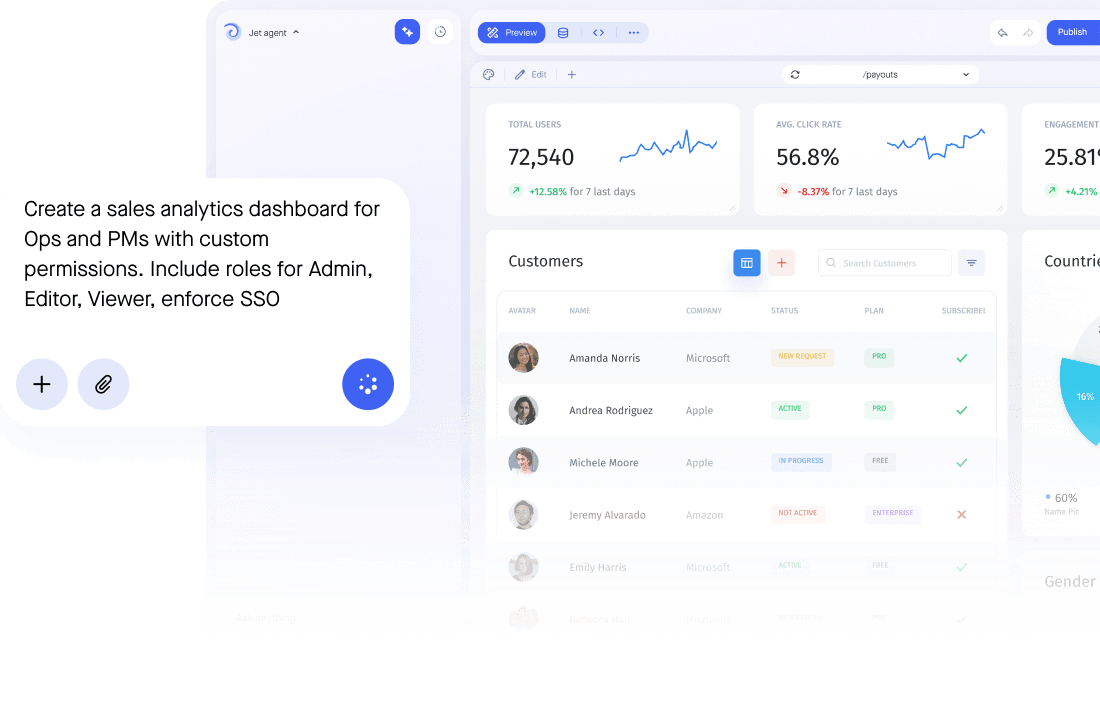


Upload the file directly or link to a hosted URL, and Jet reads the columns and generates screens automatically. You can restrict who sees which rows or columns from there, the same way you would for any other data source.
Yes. Jet turns a flat CSV file into a proper interface, with search, filters, sorting and inline editing, so people who should never open the raw file can still work with the data: support agents, operations, finance and external users, each seeing only the rows their role allows.
Yes. Forms validate types and required fields before saving a change, roles decide who can edit what, approvals can hold the risky updates, and every change is recorded in the audit log with the person who made it, something a shared spreadsheet file cannot give you on its own.
Jet reads the file you upload or link to directly, so nothing is silently duplicated into another system without your knowledge. Re-uploading or re-linking a file updates what Jet shows, rather than layering versions on top of each other.
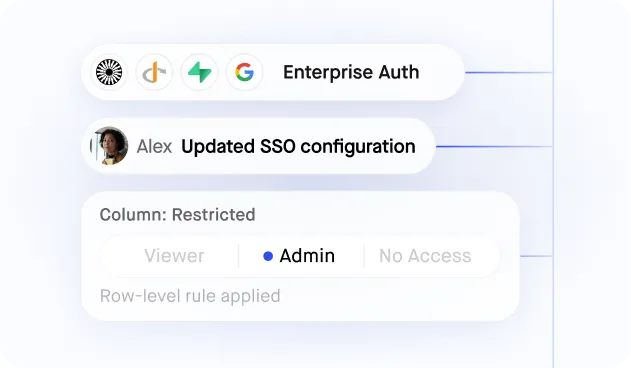
Jet has no shared login to worry about here, since there is no server to authenticate against, but access to the data once it is in Jet is still controlled with SSO and row and column level permissions, so people see only the rows their role allows.
Yes. A CSV file can sit alongside Google Sheets, a REST API or a SQL database in the same app, and a single screen can read from more than one of them at once.