

MySQL GUI builder
Browse tables, run queries and build admin panels on the MySQL database you already use, with field-level permissions and an audit log from the start.
Trusted by Some of the World’s Best Product Teams





Build exactly what your team needs
Workbench is built for one person with full access. A Jet MySQL GUI is built for everyone else — operations, support, and the customers you give a portal to.
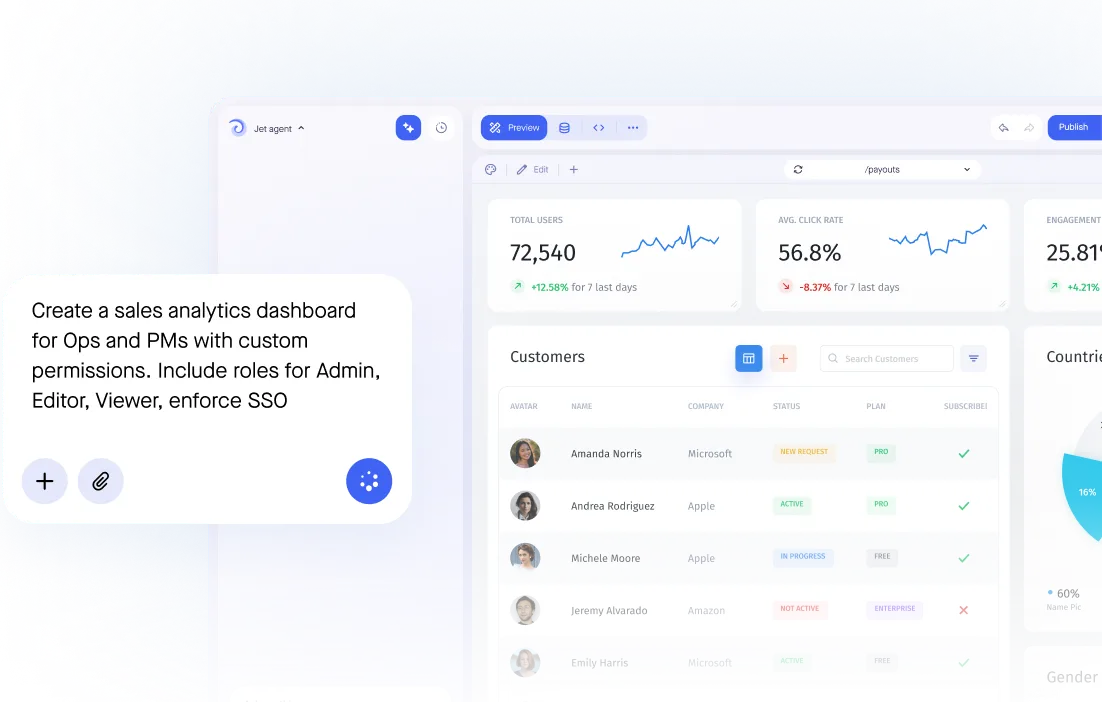

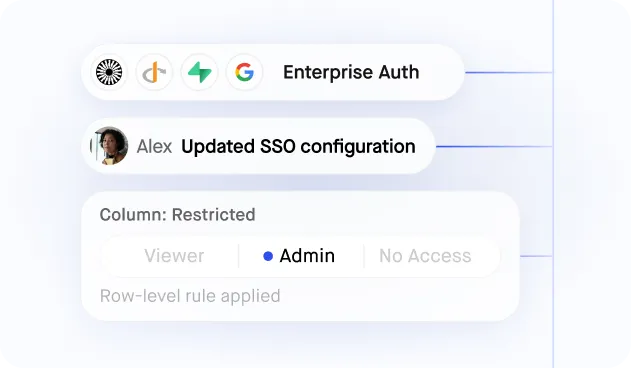
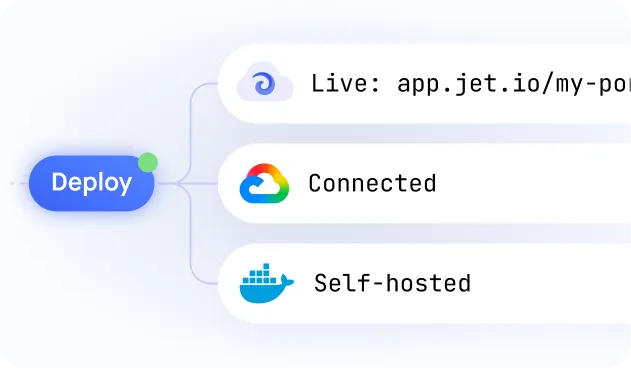
Build secure app fast



MySQL access without a database client
.jpeg)
Secure database connection
.jpeg)
SQL or visual queries
Granular user permissions
.jpeg)
Relationships and joins
.jpeg)
Write-back, no data copy
Similar Use Cases



.png)











.svg-min.png)


.png)









.png)






















Frequently asked questions
A MySQL GUI builder turns your database into an interface people can actually use: searchable tables, forms that validate, and permissions per role. Instead of Workbench or the command line, your team gets a screen they log into, and you decide what each person can see and change.
Yes. Jet runs in the browser, so there is nothing to install on each machine and no VPN client to hand out. Connect MySQL once and your team opens a URL to browse, search and edit the data.
Workbench is built for the person who owns the schema. Jet is built for everyone else: the same tables, but with forms that validate, permissions per role, an audit log of every change, and no need to understand SQL to use it.
Yes. Jet generates editable tables and forms from your schema, with types and required fields enforced before the write. You can still drop into raw SQL whenever it is faster.
Yes, and that is the point. Jet holds one connection; people sign in to Jet. Row- and column-level permissions decide what each person sees, so you stop creating a MySQL account for everyone who needs to look something up.
Jet supports read-only connections, SSH tunnels, private networking and SSO, and can run fully inside your own network if production data must not leave it.
Yes. MariaDB, Amazon RDS and Aurora MySQL, PlanetScale and other wire-compatible databases connect the same way.



